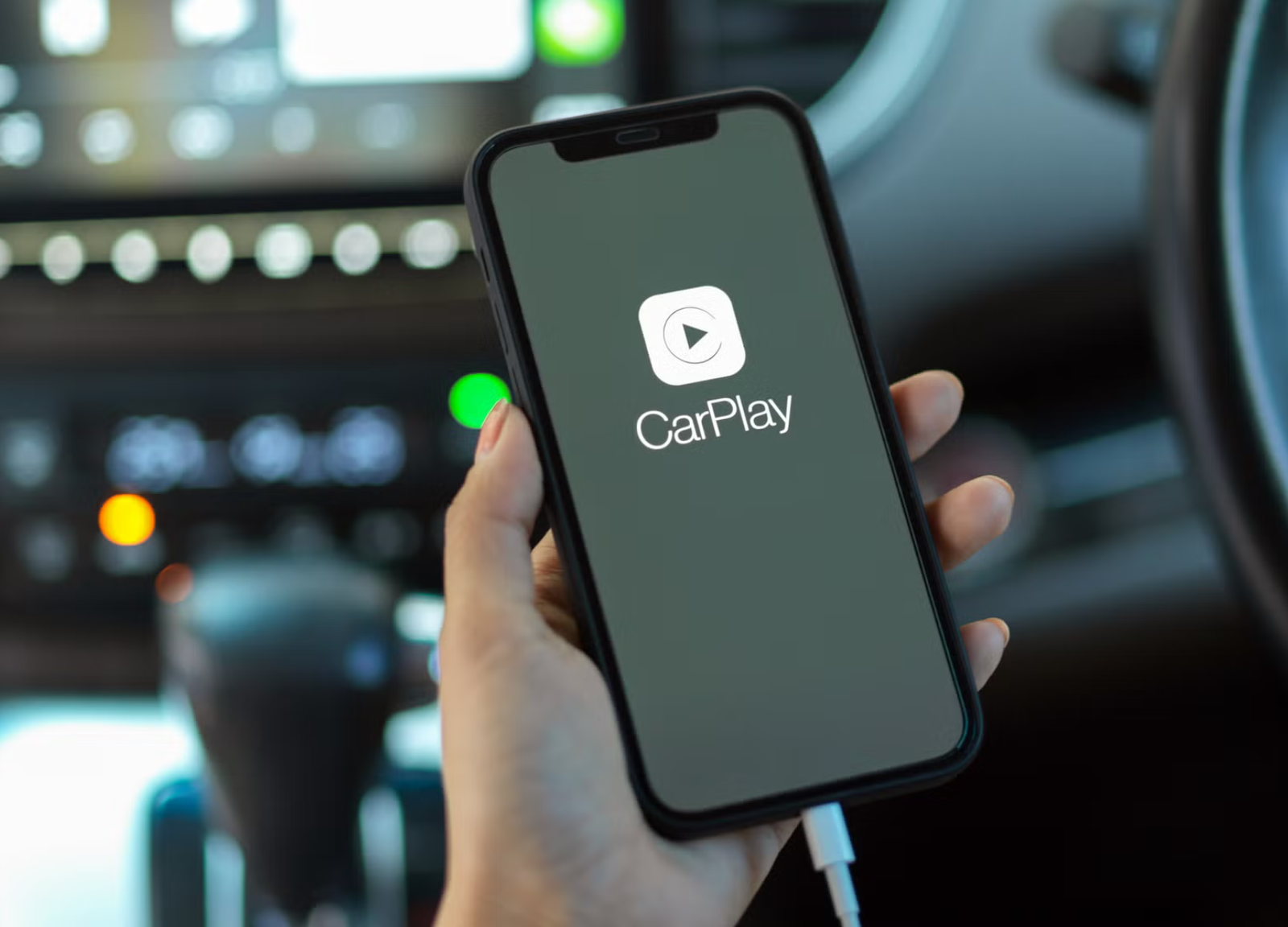
The fact that the majority have been hectic in the use of their phones means that drivers would desire an easier experience in the car. CarPlay wireless adapters enable you to operate Apple CarPlay or Android Auto without having to use a cable. Understanding their functionality will assist you in determining whether they are suitable to be used with your vehicle.
What Is a Wireless CarPlay Adapter?
A wireless CarPlay adapter is a small gadget that fits into the USB port designed as a wired CarPlay or Android Auto. It transforms a wire system into a wireless system, hence you will not need to plug your phone each time you drive. The adapter provides a stable, fast connection that is nearly wired with the use of Bluetooth and Wi-Fi.
Wireless vs Wired CarPlay: The Major Differences
The primary distinction of wired and wireless CarPlay is convenience. Wired connections are fine but can easily be cumbersome where the drivers of the car are many. The wireless adapters eliminate the use of cables allowing your phone to automatically be connected when it is near. This provides a nicer dashboard and a better ride, particularly when it comes to short or frequent journeys.
The Reason Why Wireless CarPlay Adapters Are Required
Most vehicles have wired CarPlay or Android Auto since most drivers prefer wireless connectivity, yet the connectivity is more cost-effective or perceived to be more reliable. This is where wireless adapters come in as they provide wire free access without modification of original car system to enhance driving experience.
Wireless CarPlay Adapters Compatibility
These adapters are compatible only with vehicles on which wired CarPlay and Android Auto are installed by the factory. They do not install CarPlay in cars that do not already have it; they simply convert an existing wired system into a wireless one. This works well in families or communal vehicles that have numerous phones.
The Connection Between Wireless CarPlay Adapters
Wireless CarPlay adapters have both Wi-Fi and Bluetooth connections to connect your phone to the car.
Step 1 – Plugging the Adapter in the USB Port
Insert the plug into the same USB port with wired CarPlay or Android Auto. This enables it to communicate directly to the infotainment system of the car.
Step 2 – Bluetooth Pairing
The initial connection and phone checking are done with Bluetooth. This low-power connection switches on the adapter and allows the car to notice it fast when you enter.
Step 3 – Use Wi-Fi to Go on to High-Speed Data
Once the pairing is completed the system transfers to Wi-Fi. The Wi-Fi supports music, video, and touch input, providing lag-free use of smooth maps, songs, and apps.
Step 4 – Show the CarPlay Interface
After all the connections are made, the CarPlay or Android Auto screen will be displayed automatically on the car screen, enabling you to make calls, apps, and maps wirelessly.
Basic Technical Solutions to Wireless CarPlay Adapters
Bluetooth to Detection and Wake-up
Your phone is located and the process of connection is initiated using minimal power consumption.
Fast Data Transmission Wi-Fi
Wi-Fi moves all the big data. In its absence, the speed would slow down as well, particularly during streamlining or employing maps.
Fluid Bluetooth-to-Wi-Fi Alternating
Once the Bluetooth kicks, the adapter transitions easily to Wi-Fi, providing a continuous hands-free experience.
Determining Vehicle Compatibility
Cars Having Wired Factory CarPlay or Android Auto
A large majority of vehicles with already wired CarPlay or Android Auto will work with wireless adapters and will connect automatically.
Cars Not Supporting CarPlay
The adapters cannot be used with the cars that lack factory CarPlay. Important: There are no functioning Tesla and BMW car models that can use wireless CarPlay adapters and attempting to do so can result in failure or may lead to issues.
Incompatibility Limits
The following are common limits of compatibility.
The software of the car can introduce limits or the USB design can introduce limits. Look at the compatibility list and purchase.
The Advantages of a Wireless CarPlay Adapter
- No cables
- As you get into the car, it connects
- Keeps the interior clean
Should There Be a Wireless CarPlay Adapter?
Wireless CarPlay adapters will be useful to ordinary drivers, people who do not care much about traveling long distances, and people who appreciate convenience. This upgrade is worth considering in case you want a neat, cable free connection between your phone and your car.
Frequently Asked Questions of Wireless CarPlay Adapters
Wireless CarPlay audio quality: Does it decrease the audio quality?
No. Sound remains almost just as good as wired CarPlay because of effective Wi-Fi.
Does it consume more of the phone battery?
Battery consumption can be slightly increased due to the Bluetooth and Wi-Fi and it is normally minimal during regular driving.
Is it possible to have various phones under the same adapter?
Yes. The majority of adapters allow multiple phones to be paired and will automatically connect with the nearest one.
Does the adapter require access to the internet?
The adapter does not require the internet. The phone-to-car connection is local, and some CarPlay applications require the internet.