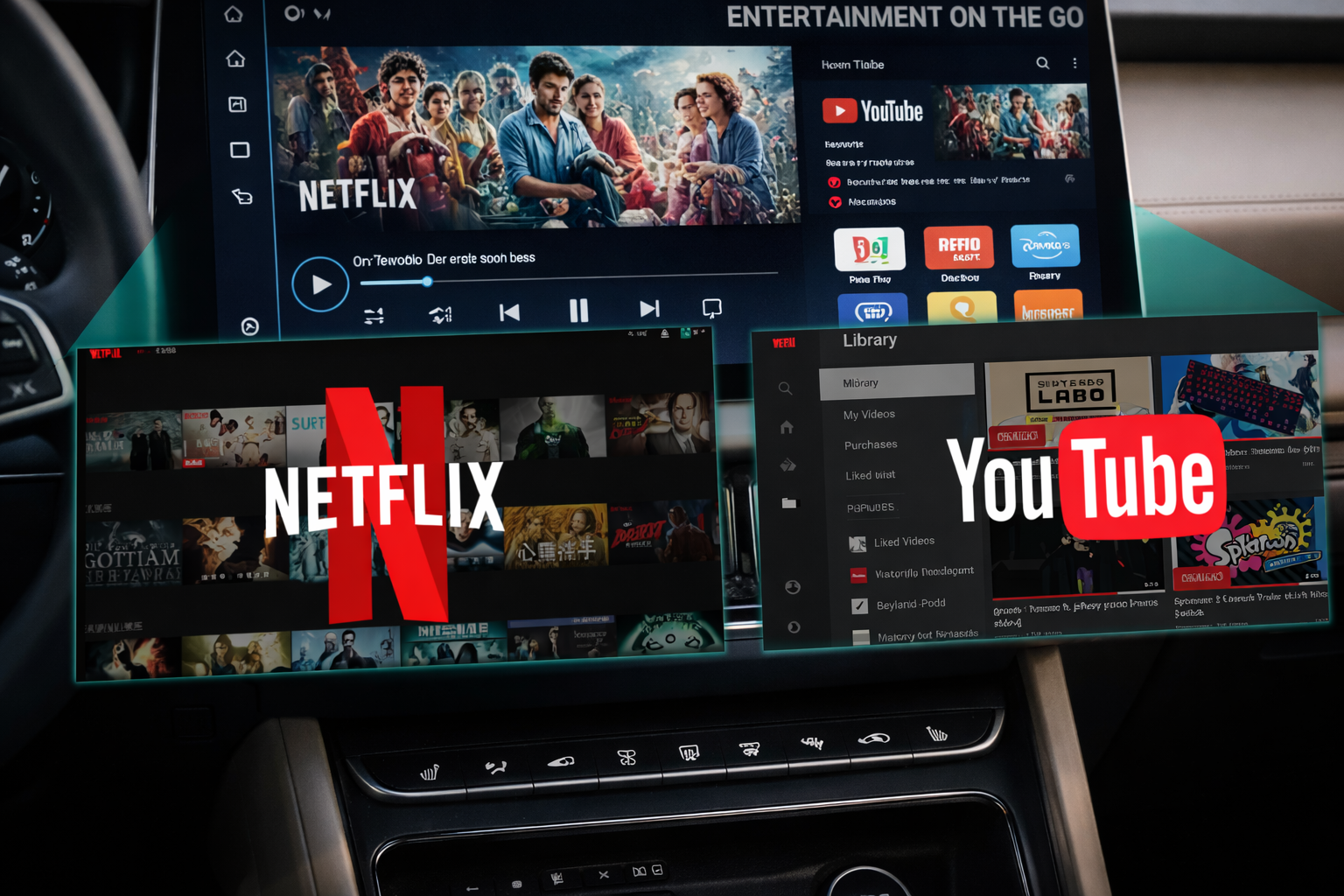
Have you ever felt frustrated by the untapped potential of your vehicle’s display? Whether you’re at a supercharger waiting for a top-up, stuck in a never-ending traffic jam, or simply waiting for your family—that large, high-resolution screen in your cockpit usually stays dark when it comes to real entertainment. Many drivers naturally ask: “How can I watch Netflix on my infotainment system?”
Standard interfaces like Apple CarPlay or Android Auto strictly prohibit video streaming for safety reasons. In this guide, we’ll show you how to elegantly and legally overcome these hurdles with a CarPlay AI Box, which hardware is truly worth the investment, and how to transform your car into a mobile cinema.
Why Is Netflix Blocked in Cars by Default?
The restriction serves one primary purpose: preventing driver distraction. Apple and Google only allow apps that are deemed safe for driving, such as maps or music players. Video platforms are simply filtered out.
Rather than making risky and deep modifications to your vehicle’s software (jailbreaking), there is a much safer solution: the Multimedia AI Box. This is an external hardware module connected via USB. The box uses the existing CarPlay protocol to project a full, open Android system onto your display. This allows you to use Netflix, YouTube, or Disney+ directly via the Google Play Store, effectively turning your car’s screen into a tablet.
The 3 Best Solutions for 2026: Which Carlinkit Box Is Right for You?
To experience streaming without lag and in top quality, you need the right hardware. We have summarized the three most powerful models for you:
Carlinkit Tbox Ultra: Maximum Power with Android 15.0
For tech enthusiasts who demand zero latency, the Tbox Ultra is the gold standard. It is among the world’s first boxes featuring Android 15.0.
- High-End Performance: Powered by the Qualcomm SM6350 processor and 8 GB of RAM, streaming apps launch instantly. Buffering issues or stutters are things of the past.
- Massive Storage: With 256 GB of internal storage (expandable up to 512 GB), you can save entire series seasons offline—perfect for regions with poor reception.
- Optimal Cooling: An innovative heat dissipation design guarantees stable streaming even in high summer temperatures.
Carlinkit Tbox UHD: The Family Entertainment Center
The Tbox UHD was designed specifically for travelers who want to power more than just one screen. Its highlight is the HDMI output.
- HDMI Connectivity: Connect additional monitors or headrest displays for the back seat. While you use navigation up front, passengers in the back can enjoy Netflix undisturbed.
- Stable System: Based on Android 13, the box provides access to a massive selection of apps.
- Efficiency: The Qualcomm SDM660 processor delivers the necessary computing power for clean, high-resolution video transmission.
CarlinKit Tbox Max: Style Meets Multimedia Versatility
The Tbox Max (LED USB Plus) is the perfect all-rounder for design lovers.
- Multitasking: Thanks to the split-screen function, you can divide the display—watch a movie on the right while the navigation map remains active on the left.
- Customizable Aesthetics: The adjustable LED ambient lighting gives your interior a modern, high-tech look.
- Solid Foundation: With 8 GB of RAM and 128 GB of storage, this box is well-equipped for all popular apps.
Streaming Tips: Background Playback and Data Usage
True multitasking is possible with Carlinkit systems. You can run Netflix in Picture-in-Picture (PiP) mode, allowing the film’s audio or a small video window to remain active while you plan your route.
Internet Connection on the Go: To stream content, the box requires data. You have two options:
Hotspot: Simply connect the box to your smartphone’s Wi-Fi.
SIM Card: All three models feature an integrated SIM slot. With a dedicated data card, your car becomes an autonomous streaming hotspot, which also saves your smartphone’s battery.
Note on Netflix: Since the AI Box is recognized as a mobile device (like a tablet), usage outside the home is usually hassle-free, provided you occasionally log the box into your home network.
Will the Box Fit My Car? (Compatibility)
Installation is brand-independent and remarkably simple. The only requirement is that your vehicle must have factory-wired Apple CarPlay or Android Auto. This applies to over 98% of all models from 2016/2017 onwards (including VW, Audi, Mercedes, Hyundai, Toyota, Ford, etc.).
Important Note: Vehicles from Tesla and BMW are not compatible with these specific adapters.
Why Order From Us? – Your Premium Advantage
Buying an AI Box is a matter of trust. In our shop, you benefit from services that go far beyond the standard:
- Personal Check: We manually verify every order for compatibility with your specific vehicle model.
- 2 Years of Security: You receive a full manufacturer warranty (optionally extendable by 1 year).
- Real-Time Support: Our technicians assist you directly with setup and configuration.
- Firmware Guarantee: Lifetime access to official updates ensures your hardware stays up to date.
- Worry-Free Package: 30-day money-back guarantee and free worldwide shipping.
Conclusion: No More Boredom During Charging Stops
Netflix in the car is no longer a vision of the future in 2026. Whether you choose the future-proof Tbox Ultra, the family-friendly Tbox UHD, or the stylish Tbox Max—transforming your cockpit into a multimedia center takes only seconds.
Safety Warning: Video usage is intended exclusively for passengers or while parked. Watching videos while driving is strictly prohibited for the driver by law.
Unsure which box is right for you? Contact our support team or visit our product pages for more details!