

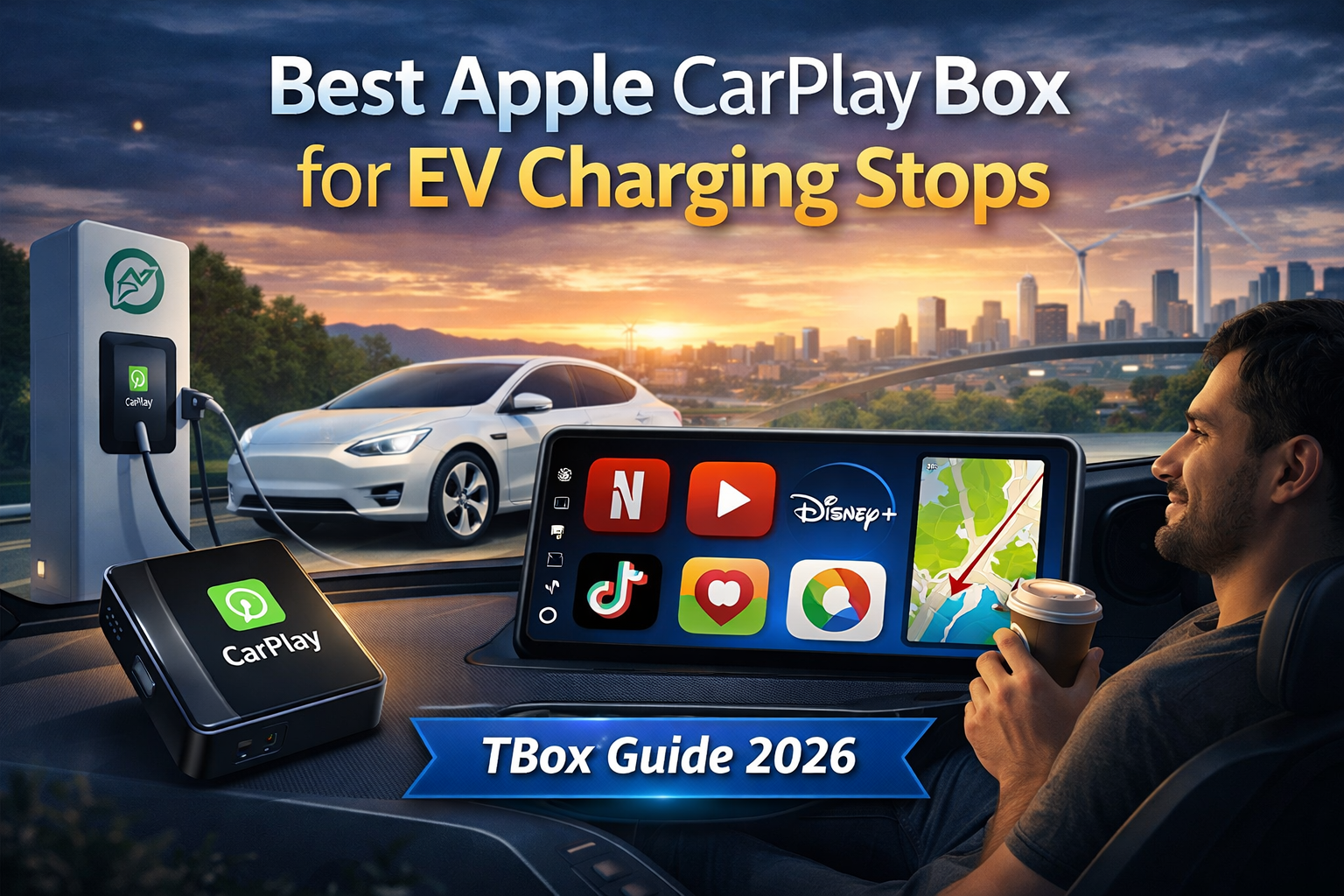
Switching to electric is changing our habits. The silence is golden, but EV charging imposes a reality: those infamous 30-minute breaks. So, how do you kill boredom? The solution lies in a small magical device: the Apple CarPlay box (or Android AI Box).
Have you ever counted the hours spent staring at your smartphone on a highway rest stop? In this guide, I explain why the TBox range has become the must-have accessory for your Tesla, BYD, or Peugeot e-208.
Why a TBox is Essential for Your Electric Vehicle
Owning an electric vehicle means adopting the charging ritual. Even if Ionity stations are fast, waiting is real, especially:
- When it rains
- When the kids get impatient in the back seat
Turn charging time into a moment of relaxation:
- The original CarPlay system is restricted for safety.
- A TBox-type Apple CarPlay device removes these restrictions.
Key Benefits:
- No more boredom: Your dashboard screen transforms into a real Smart TV.
- Comfort first: Stay warm and enjoy your favorite programs.
Beyond simple wireless: An Android tablet in your dashboard
Field experience: I tested the device on a Peugeot e-208 at the Limours-Janvry rest area. In less than 25 seconds after plugging it in, the Android interface appeared. It’s not just a copy of your phone; it’s a miniature computer dedicated to your car.
Expert tip: Unlike basic adapters, the TBox has its own built-in GPS, which prevents your iPhone battery from heating up while navigating.
Top Apps to Enjoy During Charging
The real power of the Apple CarPlay box is its total software freedom.
Video Streaming: Netflix, YouTube, and Disney+ on the original screen
- Launch Netflix and resume your series where you left off
- Watch tutorials on YouTube in full screen
- ⚠️ Tip: If an app refuses to launch, make sure the box’s time is set to “Automatic via network.” A wrong time often blocks Netflix’s security certificates.
Games and Social Media: Google Play Store at your fingertips
- Games: Play touch puzzles directly on your central console
- Social: Scroll through TikTok or Instagram with a completely new visual comfort
- Productivity: Join a Zoom meeting (while parked) without taking out your laptop
Best TBox Devices for Your EV in 2026
Your choice of Apple CarPlay box depends on your vehicle. Here are our recommendations:
- Carlinkit TBox UHD: Power for Large Screens
- Perfect for Audi e-tron or BMW i4
- Snapdragon 8-core processor ensures smooth transitions between heavy apps
- 128GB storage for offline movies
- Carlinkit TBox Ambient: Best Value for Money
- Ideal for Renault Zoé or Peugeot e-2008
- Ambient LEDs add a nice touch in the cabin at night
- Rotating Screens (BYD Seal / Atto 3) Note: Force the display to “Landscape” mode in the box settings to avoid stretching when rotating the car screen.
How to Install and Connect Your CarPlay Box
Installation is ultra-simple:
- Connection: Use the main USB port (the one that handles data)
- Wait: Let the system load. ⚠️ Do not connect a second phone to another USB port simultaneously
- Network: Insert a 4G/5G SIM card for a stable connection
- Update: On the first connection, go to “Settings” to check for OTA updates
FAQ: Everything About the Apple CarPlay Box for EVs
Does it drain my 12V battery?
Absolutely not. Its consumption is minimal (around 5W). Your electric car handles this small demand perfectly, even when stationary.
Can I use it while driving?
French law is strict: no video while driving. Keep streaming for breaks. Safety comes first!
Conclusion: Make Your Electric Trips More Fun
The Apple CarPlay TBox is not just a gadget. It’s the logical complement to your electric investment. It turns an enforced wait into a moment of absolute relaxation.
So, ready to turn your next charging break into a movie session? Discover our range now!

