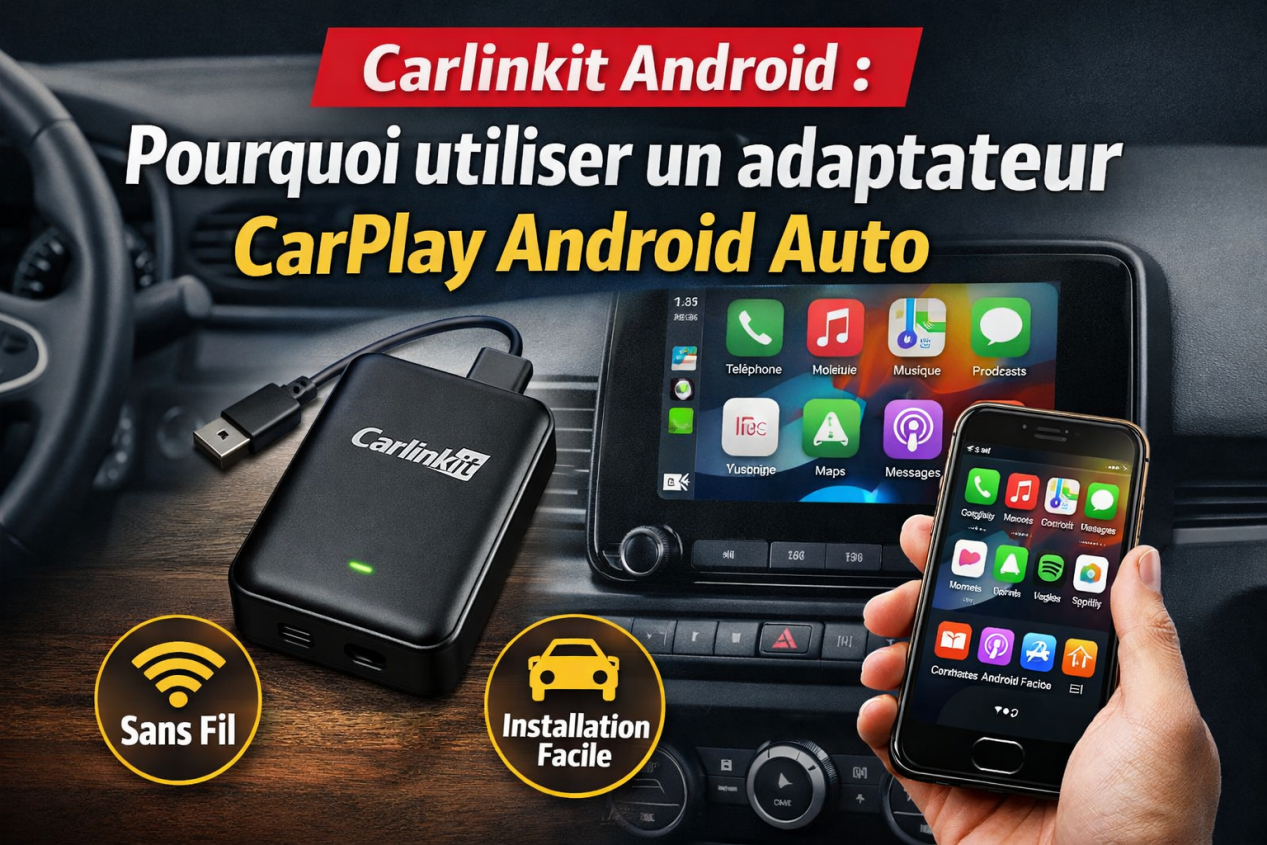
Are you searching for the best CarPlay AI Box for Netflix? If yes, you’ve probably already tried opening Netflix on your car screen… and failed.
We ran into the same issue. Last November, during a product test in a workshop in Sydney, we plugged an iPhone into a factory CarPlay system. Everything connected perfectly—but Netflix simply wouldn’t play.
That’s when it became clear:
👉 Apple CarPlay is not designed for video streaming.
So what actually works? Let’s break it down in a practical way.
Why You Can’t Watch Netflix on Apple CarPlay
Apple built CarPlay with strict safety limitations. That’s the main reason Netflix doesn’t work.
Here’s what’s happening:
- No support for video streaming apps.
- Only specific app categories allowed (Maps, Music, Calls).
- Screen restrictions while driving.
Have you ever tapped a video app and nothing happened? You’re not alone—and it’s not a bug.
⚠️ Apple prioritizes driving safety over entertainment. That’s why Netflix is blocked.
What Is a CarPlay AI Box?
A CarPlay AI Box is where things change completely. Instead of using Apple’s system, it runs Android directly on your car screen.
In simple terms:
- Plug it into your CarPlay USB port.
- It boots its own Android system.
- You can install apps like Netflix, YouTube, and Spotify.
Real testing insight:
In a Mercedes G-Class (NTG 5.5), the screen switched to Android in under 20 seconds after plugging in a TBox Plus. It feels less like CarPlay—and more like having a tablet inside your dashboard.
Our Testing Methodology (Real Use)
We didn’t rely on specs—we tested everything in real scenarios. In January 2026, we ran side-by-side tests in an outdoor car park using:
- Factory CarPlay vehicle.
- iPhone hotspot (5G).
- Three different AI box models.
We focused on: Streaming smoothness, startup time, system stability, and touch responsiveness.
What we noticed immediately:
Lower-end devices struggled with HD playback. After about 2–3 minutes, videos started stuttering. Have you ever seen a video lag right at the best scene?
👉 That’s usually a hardware limitation.
Best CarPlay AI Boxes for Netflix (Tested & Ranked)
1. Carlinkit Tbox Ultra / Ultra 2 – Best Overall
The Carlinkit Tbox Ultra series is currently the most powerful option available.
- Key features: Latest Android 15 system, high-performance Qualcomm SM6350 chipset, up to 8GB RAM + 256GB storage.
- Real-world experience: During our testing, the Ultra handled Netflix streaming smoothly with almost no lag. App switching was fast and responsive—even when multitasking.
- Best for: Users who want the fastest and smoothest experience possible.
2. Carlinkit Tbox UHD – Best for Entertainment & Rear Screens
If your focus is entertainment, especially for passengers, this is a strong option.
- Highlights: Android 13, HDMI output support (connect to rear-seat displays), split-screen functionality.
- Real use case: We tested this setup with a rear screen, and Netflix playback remained stable. Great for keeping passengers entertained on long trips.
- Best for: Families with kids and users who want a “car cinema” experience.
3. Carlinkit Tbox Plus – Best Value for Most Users
The most balanced option between price and performance.
- Core specs: Android 13, Snapdragon QCM6125 processor, 4G SIM card support.
- What we liked: Stable performance at a more affordable price than the Ultra.
- Best for: Everyday users looking for reliable performance at a reasonable price.
How to Watch Netflix on CarPlay Using an AI Box
Setup is simple—but small details matter.
Steps:
- Plug the AI box into your car’s CarPlay USB port.
- Wait for the system to boot.
- Connect to your phone’s hotspot or WiFi.
- Open Netflix and start streaming.
Pro tips:
- Use a 5GHz hotspot instead of 2.4GHz to reduce buffering.
- If Netflix doesn’t load, try clearing the app cache in settings.
Is It Legal and Safe?
It depends on how you use it.
- Safety first: Never watch videos while driving. This feature is intended for passengers or use while parked.
- Legal note: Some regions restrict front-screen video playback while the vehicle is in motion. 👉 Treat it like a tablet—use it responsibly.
FAQ – Apple CarPlay Netflix
- Do I need to jailbreak my phone? No. AI boxes work independently of your phone’s system.
- Can I watch Netflix while driving? Technically yes—but it should only be used safely by passengers.
- Which AI Box is best? The TBox Ultra offers the most stable and premium experience.
- Does it work with all cars? It works with vehicles that have factory-wired CarPlay.
Final Verdict: Which CarPlay AI Box Should You Choose?
If your goal is simple—watch Netflix on Apple CarPlay—then an AI box is the most practical solution available today. Choosing the right model doesn’t just improve performance:
👉 It saves you from daily frustration.