As modern vehicles increasingly resemble mobile smart devices, drivers now expect seamless, wireless, and convenient smartphone integration. Yet many cars — including quite new models — still offer limited connectivity or only wired Apple CarPlay or Android Auto.
This is where CarPlay Boxes come in: compact and intelligent modules that upgrade the existing infotainment system and transform it into a powerful multimedia center.
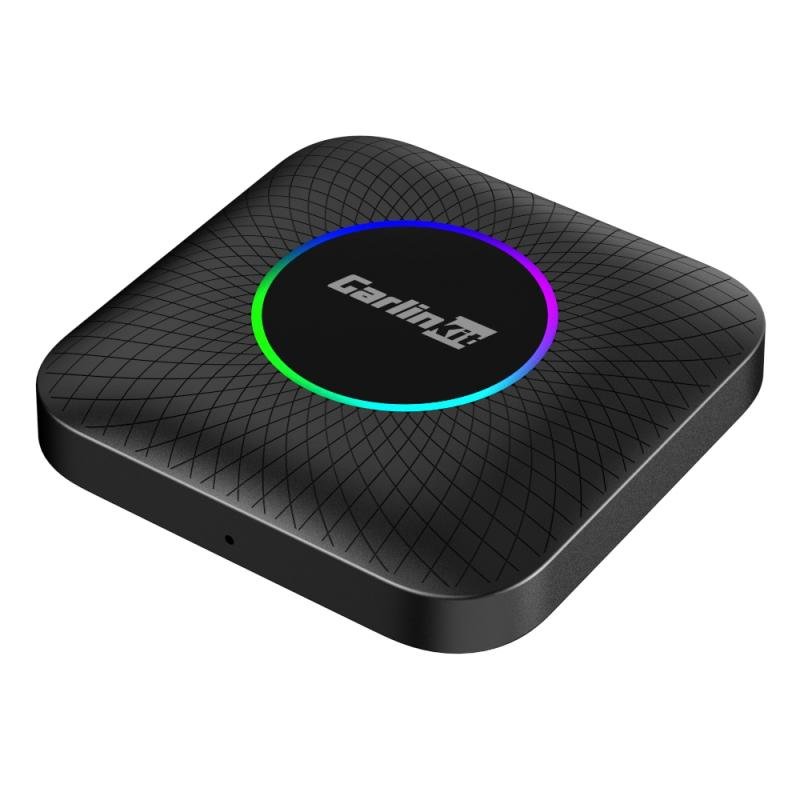
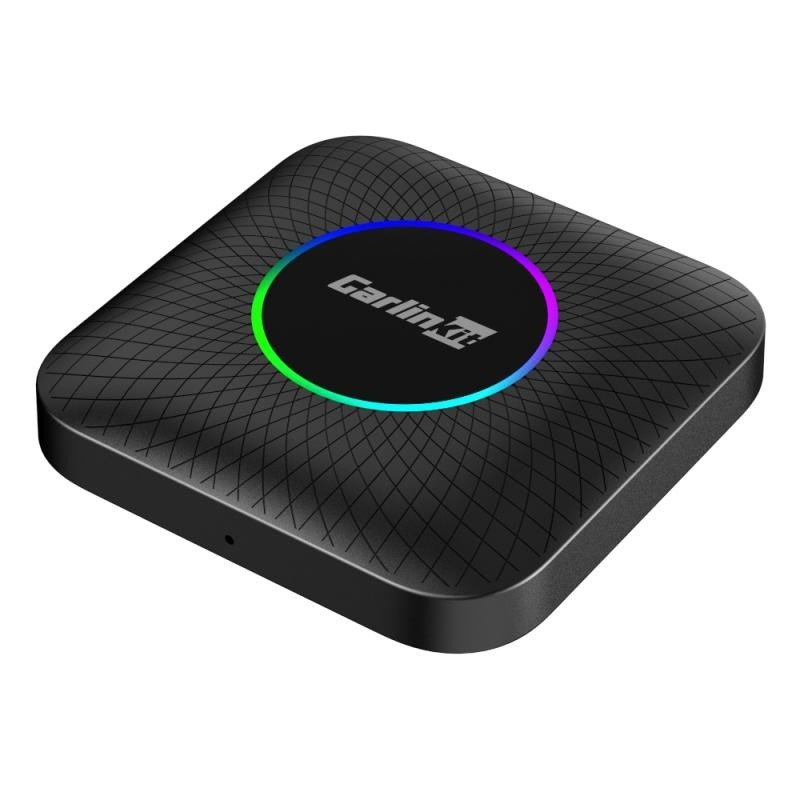
This guide explains in straightforward terms what a CarPlay Box is, how to check whether your vehicle is compatible, and why the CarlinKit CarPlay Ai TV Box LED USB Plus with Android 13, Qualcomm 660, and an 8-core processor is among the strongest and most versatile solutions available today.
What Is a CarPlay Box? (Simple Explanation)
A CarPlay Box is a small USB-based plug-and-play device that connects directly to the car’s CarPlay-enabled USB port. It essentially acts as an upgrade for your current infotainment system—no wiring changes, no coding, and no modifications to the vehicle’s electronics.
What can a CarPlay Box do?
- Wireless Apple CarPlay: your iPhone connects automatically, without any cable.
- Wireless Android Auto: perfect for Android smartphone users.
- Android 13 built directly into the car, giving you access to full Android apps such as:
- YouTube
- Netflix
- Google Maps
- Spotify
- TikTok
- and thousands of other applications
- YouTube
- Complete multimedia hub: movies, music, navigation, and even games displayed on the car’s screen.
- More freedom: no cables, no complex setup, no limits.
In short: a CarPlay Box turns your car screen into an intelligent tablet — operated via touch or steering-wheel buttons.
Is My Car Compatible With a CarPlay Box? – Compatibility Check
One of the most common questions from buyers is: Will a CarPlay Box work in my car?
In most cases, yes — as long as your vehicle originally supports wired Apple CarPlay or wired Android Auto.
Your car is compatible if:
- It supports original (OEM) CarPlay or Android Auto via USB.
- It has a fully functional USB data port (not only for charging).
- The infotainment screen supports touch or has menu buttons.
- You have previously been able to use CarPlay through a cable.
Possible exceptions
Some brands require special versions — for example, certain BMW models or cars without a touchscreen.
Tesla vehicles do not support any CarPlay Boxes.
If you’re unsure, simply provide:
- Car brand
- Model
- Year
- A photo of the infotainment system or USB port
With this information, compatibility can be confirmed easily.
Installation: Plug-and-Play in Seconds
Many users are surprised by how effortless the setup is:
- Plug the CarPlay Box into the USB port.
- Wait a moment for it to boot.
- Pair your smartphone via Bluetooth.
- Wireless CarPlay or Android Auto launches automatically.
During the next drive, your phone will reconnect automatically — no further setup required.
Product Spotlight: CarlinKit CarPlay Ai TV Box LED USB Plus
The CarlinKit CarPlay Ai TV Box LED USB Plus is one of the most powerful and advanced multimedia upgrades of the new generation.
With Android 13, a Qualcomm 660 8-core processor, dual-band Wi-Fi, and 4+64GB / 8+128GB memory, it combines exceptional performance with broad app compatibility.
Key Features
Android 13.0 – Smarter In-Car Experience
A modern interface, improved stability, faster boot times, and better compatibility with the latest apps.
Qualcomm Snapdragon 660 – 8-Core Power
Delivers:
- fast loading times
- smooth app performance
- stable video playback
- reliable multitasking
Perfect for drivers who use YouTube, Netflix, or navigation.
Wireless CarPlay & Android Auto
No cables, automatic syncing, always stable.
Enter the car → start the engine → the system connects instantly.
Netflix, YouTube, and More – Entertainment with One Tap
Ideal for:
- breaks
- waiting in a parked car
- road trips with family
- camping or long journeys
(Note: Media playback rules during driving vary by country.)
LED-USB Plus – More Compatibility, More Stability
Specially optimized for cars that have issues with wireless connection or touchscreen responsiveness.
Supports:
- touchscreens
- controller knobs
- steering-wheel buttons
- rotary/joystick infotainment systems
Expandable storage via TF card
Store movies, music, or apps — ideal for offline use.
Dual-band Wi-Fi 2.4G / 5.8G
Faster data transfer and more stable streaming.
OTA Updates
With one click, the system stays up-to-date — including compatibility fixes.
Why Invest in the CarlinKit Ai TV Box?
Save thousands on OEM system upgrades
Car manufacturers often charge high fees for navigation modules or infotainment updates.
A CarPlay Box delivers a full multimedia center at a fraction of the cost.
Everyday convenience
- no cables
- automatic connection
- apps directly on the car display
- improved navigation (Google Maps / Waze)
Entertainment for drivers and passengers
YouTube or Netflix on long trips is a huge advantage — especially for families.
Future-proof technology
Qualcomm 660 + Android 13 + fast Wi-Fi ensure long-term performance and stability.
FAQ – Frequently Asked Questions
Can I fully mirror my iPhone screen?
No, full mirroring is technically limited.
Instead, you use Apple CarPlay + Android apps directly inside the box.
Do I need internet for Netflix or YouTube?
Yes — via:
- smartphone hotspot
- car Wi-Fi
- SIM card (if the model supports it)
Will my steering-wheel buttons still work?
Yes — as long as they worked with your original CarPlay.
Can I switch between CarPlay and Android?
Yes, within seconds, directly from the main menu.
Buying Guide: Is the CarlinKit Ai TV Box LED USB Plus Right for You?
This model is ideal if you:
- have a car with wired CarPlay
- don’t want to install a separate screen
- want fast and stable Android in your vehicle
- want to switch between Wireless CarPlay and Android Auto
- want access to apps like YouTube, Netflix, Spotify
For cars without touchscreens or with special control systems, the USB Plus version offers the highest compatibility.
Conclusion: The Smartest Investment for Any Driver
The CarlinKit CarPlay Ai TV Box LED USB Plus isn’t just an upgrade — it’s a technological leap for your vehicle.
With Android 13, the powerful Qualcomm 660 processor, Wireless CarPlay, Wireless Android Auto, and full multimedia app support, it transforms your car into a true navigation and entertainment hub.
If you want to modernize your vehicle without expensive modifications or system replacements, this is one of the most efficient, convenient, and future-proof solutions on the market.