

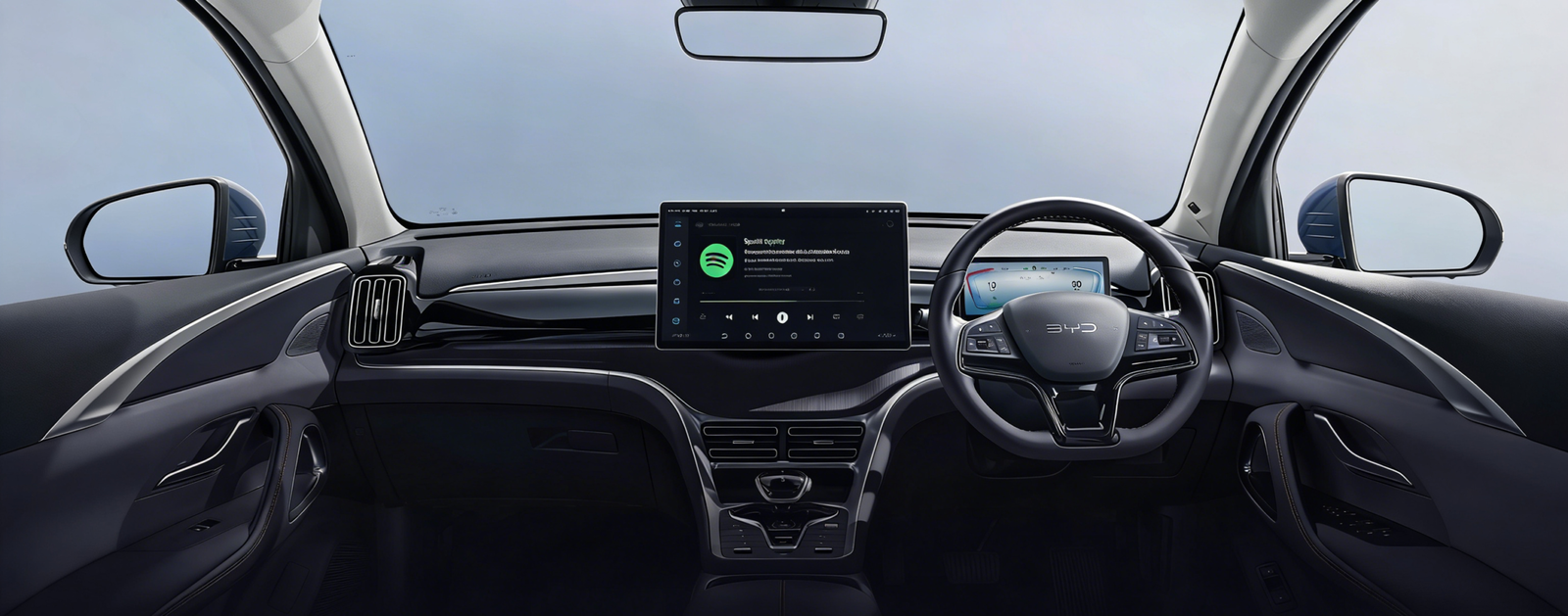
If you’ve just picked up a BYD – or are about to – and are wondering, ” Does BYD have Apple CarPlay? “ , you’re not alone. It’s one of the most frequently asked questions by BYD owners worldwide, and the answer depends on your specific model and software version.
The good news? Most BYD models sold in international markets support Apple CarPlay. Whether you’re looking for details on wired vs. wireless CarPlay, or want to know what to do if your car doesn’t have it at all, this guide has you covered.
📱 What is Apple CarPlay and why is it important for BYD owners?
Apple CarPlay mirrors your iPhone onto your car’s touchscreen, giving you access to Apple Maps, Spotify, Messages, Podcasts and more – all without touching your phone.
BYD’s native infotainment system, DiLink , runs on Android. While this is great for Android Auto users, iPhone users typically prefer CarPlay for a native iOS experience that integrates seamlessly with their Apple ecosystem.
🚗 Which BYD models have Apple CarPlay?
Most BYD vehicles offered in international markets – including the Atto 3 (Yuan Plus), Seal, Dolphin, Sealion 6 and Sealion 7 – now feature wireless Apple CarPlay.
Model overview
| BYD model | Wired CarPlay | Wireless CarPlay |
| Atto 3 / Yuan Plus | ✅ | ✅ |
| Seal / Seal 06 | ✅ | ✅ |
| Dolphin | ✅ | ✅ |
| Sealion 6 PHEV | ✅ | ✅ |
| Sealion 7 | ✅ | ✅ |
| Atto 1 / Atto 2 | ✅ | ✅ |
💡 Important: Older vehicles with earlier production dates may have only been shipped with wired CarPlay . A free over-the-air (OTA) software update (V1.8.0 or higher) often unlocks wireless CarPlay for eligible models. Check your version under Settings → System → Software update .
🔌 Wired vs. Wireless CarPlay — What’s the difference?
Wired CarPlay
- Connection via USB-A or USB-C cable.
- Reliable and delay-free connection.
- Charges your phone while connected.
- Works on all BYD models equipped with CarPlay.
Wireless CarPlay
- No cable required – connection via Wi-Fi + Bluetooth.
- A tidier cockpit with less cable clutter.
- Initial setup requires a one-time Bluetooth pairing.
🛠️ My BYD doesn’t have CarPlay — can I add it?
Some earlier models or specific imports for the domestic market run the DiLink system without CarPlay. There are two solid upgrade paths:
Option 1 — Wireless CarPlay Adapter
- Ideal for: Owners who already have wired CarPlay but want to switch to wireless.
- Here’s how it works: It plugs into the factory USB port and immediately converts the signal.
- Advantages: No modifications and no warranty risk.
Option 2 — Multimedia AI Box
- Ideally suited for: BYDs without any CarPlay or owners who want a full entertainment upgrade.
- Cinema on wheels: Watch YouTube, Netflix and Disney+ directly on your screen while you park or charge.
- Powerful hardware: Equipped with a Qualcomm 8-core chip for a smooth, lag-free experience.
- Complete app freedom: Access the Google Play Store to download any app you like, from Spotify to TikTok.
- Original controls: Still supports steering wheel buttons and screen rotation.
🛡️ Does adding CarPlay void the warranty?
The short answer is no – if you’re using a plug-and-play device . Both the Carlinkit adapter and the AI Box connect via the factory USB port. Nothing is permanently changed, and when you unplug the device, your BYD is exactly as it left the factory. BYD’s DiLink OTA updates will continue to work normally with these devices.
🏁 Final verdict
Does BYD have Apple CarPlay? Generally, yes . Most current global models support wireless Apple CarPlay, and older models often receive it via free OTA updates.
If your car doesn’t have this feature, the solution is simple:
- Wired to wireless? 👉 Get a wireless adapter.
- No CarPlay at all? 👉 Get a Carlinkit AI Box.
👉 Shop Carlinkit CarPlay solutions for BYD today!

