Why Go Wireless with Apple CarPlay
Apple CarPlay has already transformed the driving experience. With navigation, music, calls, and messages available directly on your car screen, driving is safer and more convenient. Yet, for most drivers, the cable is a constant source of frustration.
With wired CarPlay, every drive begins the same way: you take out your iPhone, get in the car, plug in the cable, and wait to connect. Over time, cables tangle, connectors loosen, and USB ports wear out from repeated use. Wires clutter the center console, and having to plug in your phone every time can feel tedious—even in a high-tech car.
This is where wireless Apple CarPlay comes in. Removing the cable entirely gives you more interior space, faster setup, and a smoother daily driving experience. Your phone stays in your pocket or bag, and CarPlay connects automatically the moment you get in.
Best of all, you don’t need to replace your factory head unit or modify your car. With the right device, upgrading from wired to wireless CarPlay is surprisingly simple—and that’s exactly what this guide will show you.
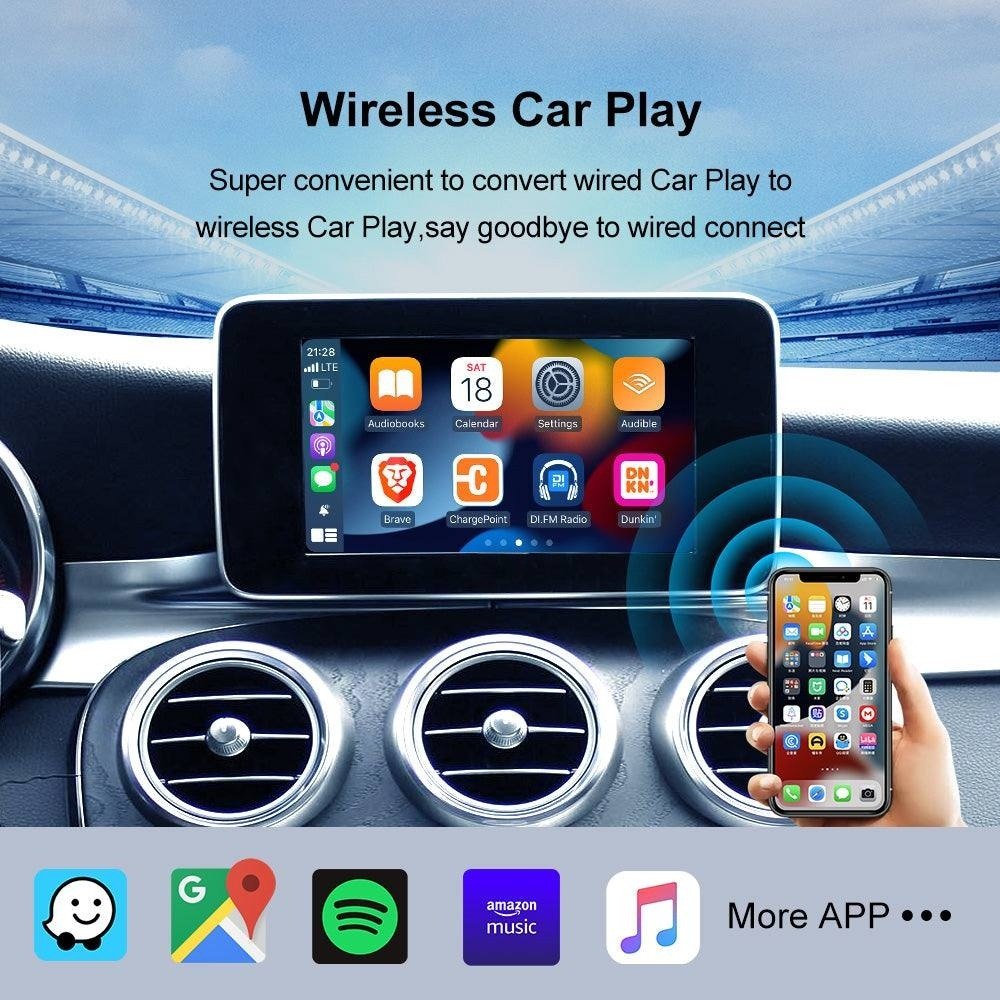
How to Make Apple CarPlay Wireless: Simple Options
Upgrade Without Modifying Your Car
A wireless CarPlay adapter is the easiest and safest way to go wireless. It doesn’t require changing your car’s original system—it works with what you already have.
Carlinkit wireless products are designed for this. They let you upgrade factory-wired Apple CarPlay or Android Auto wirelessly, without removing your original system.
Why this method is so popular:
- Plug & Play: No technical skills required
- No disassembly: No need to remove panels or screens
- No system replacement: Your factory head unit stays intact
Once connected, your car works as before—just now it’s wireless.
Keep the Original CarPlay Experience
Drivers often worry that wireless CarPlay will feel different from wired. With Carlinkit devices, the experience remains familiar.
You still use:
- Your original touchscreen or control knobs
- The same CarPlay interface
- The same apps and functions
The only difference is no cable. Everything else works exactly as expected.
Important Compatibility Requirements
Compatibility is key when upgrading to wireless CarPlay. To avoid mistakes, understand what these devices can—and cannot—do.
Compatible Vehicles
Carlinkit wireless adapters only work with vehicles that already support factory-wired Apple CarPlay or Android Auto.
- Your car must come with wired CarPlay or Android Auto
- The adapter converts the existing wired connection to wireless
- It cannot add CarPlay to cars that never had it
Not Compatible With:
- Tesla
- BMW
If your car doesn’t support factory-wired CarPlay or Android Auto, the adapter won’t work. These devices are designed to upgrade an existing wired system, not create CarPlay from scratch.
Easy Installation
True Plug-and-Play
Wireless CarPlay adapters are extremely easy to install, usually in just a few minutes.
- Plug the device into your car’s USB port
Use the same port you normally use for wired CarPlay. - Pair your iPhone via Bluetooth (first time only)
Initial setup requires a quick Bluetooth connection. - Automatic wireless connection from then on
After pairing, your phone connects automatically every time you start the car.
Once set up, wireless CarPlay launches automatically—no need to reconnect or reconfigure.
Low-Risk Upgrade Option
Compared to replacing a head unit or installing aftermarket hardware, using a wireless adapter is the safest way to upgrade your in-car experience.
- No permanent changes to your car
- No wiring modifications
- No impact on factory software
For a minimal-effort, zero-modification wireless CarPlay upgrade, this is the easiest solution.
Which Product Should You Choose?
Option 1: Carlinkit 5.0 (2Air) — Simple Wireless CarPlay Upgrade
Ideal for drivers who want a straightforward upgrade from wired to wireless CarPlay.
Best for:
- Drivers satisfied with their current CarPlay setup
- Users seeking a clean, cable-free experience
- Anyone wanting a stable, lightweight solution
Key benefits:
- Converts wired CarPlay and Android Auto to wireless
- Keeps the original factory interface
- Easy installation with minimal setup
- Low learning curve
If you want convenience without changing how your system works, Carlinkit 5.0 (2Air) is simple and reliable.
Option 2: Carlinkit Tbox Ultra — Full Smart Car Upgrade
For drivers who want more than just wireless CarPlay, the Tbox Ultra offers a full smart in-car experience.
It features a built-in Android 15 system, turning your car’s display into a powerful smart platform.
Key features:
- Wireless Apple CarPlay and Android Auto
- Built-in Android 15 OS
- Supports third-party apps
- Richer, more flexible in-car entertainment
Best for:
- Users who want both CarPlay and a full Android system
- Drivers who want more customization and functionality
- Those seeking a complete smart car upgrade
While setup is slightly more complex than a basic adapter, Tbox Ultra offers advanced capabilities for users seeking greater control and features.
Exclusive Services from Our Official Store
Ordering through our official website gives you access to services not available elsewhere:
- Manual vehicle compatibility check after purchase
- Lifetime access to official firmware and beta versions
- 2-year manufacturer warranty (with optional 1-year extension)
- 1-on-1 real-time technical support
These services ensure long-term support alongside your product.
Worry-Free Purchase Policy
We understand upgrading your car’s technology is an important decision. That’s why we offer:
- 30-day money-back guarantee
- Worldwide free shipping
- Official channel support (full warranty, firmware updates, technical assistance)
Buying through official channels ensures your device is genuine and fully supported.
Upgrade to Wireless CarPlay with Confidence
Wireless Apple CarPlay is one of the easiest ways to modernize your driving experience. Removing cables gives you convenience, a cleaner interior, and faster access to the features you rely on.
With the right device:
- The upgrade is simple
- Installation is safe
- Your factory system remains untouched
If your vehicle supports factory-wired Apple CarPlay or Android Auto, going wireless is straightforward and risk-free. Check your car’s compatibility, choose the right solution, and enjoy a smarter, more comfortable drive—without altering your car’s original system.