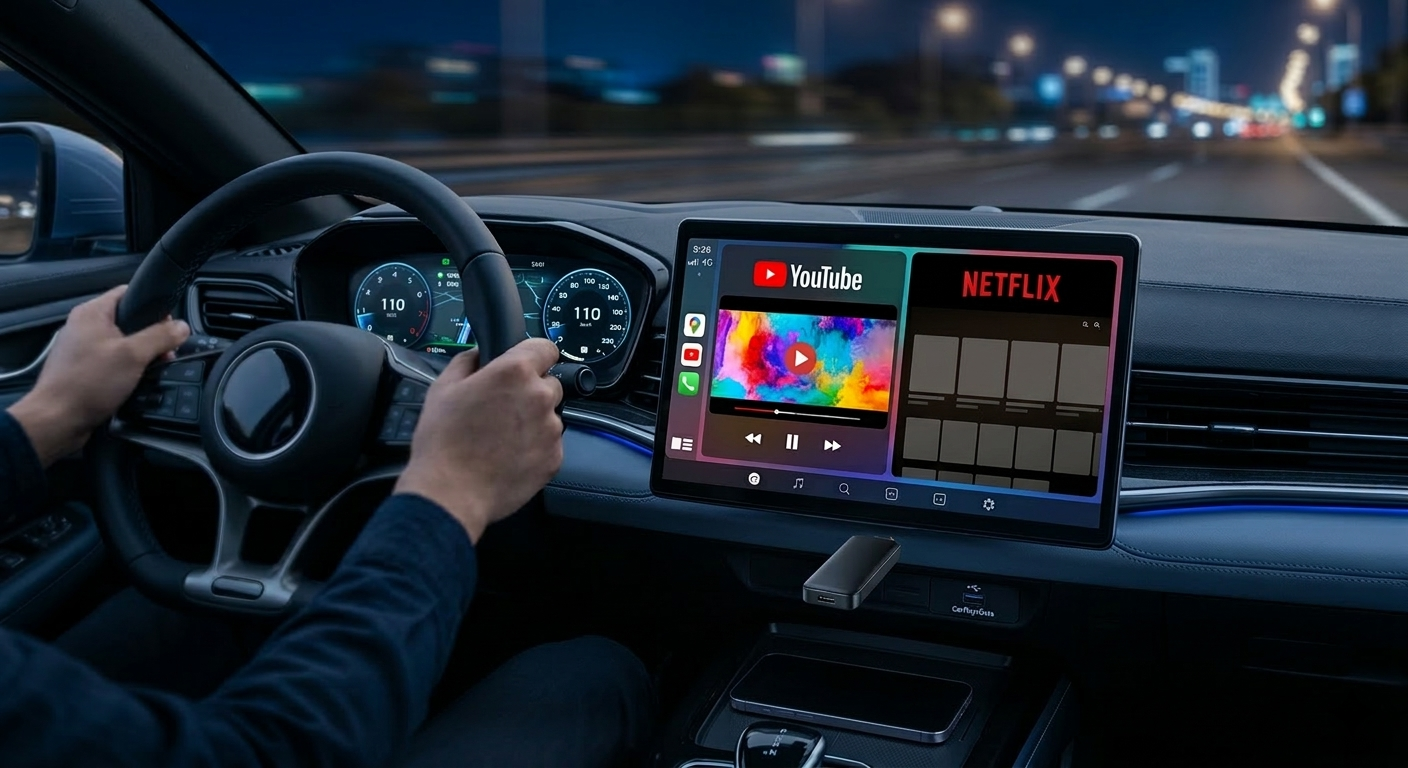
The original CarPlay experience can feel a bit restrictive. If you’ve ever wanted to connect CarPlay wirelessly while also having the ability to stream video, a T-Box AI Box is the most reliable workaround I’ve tested so far.
Unlike basic adapters that just mirror your phone, this is an independent Android computer that plugs directly into your car’s factory USB port.
What exactly is a T-Box AI Box?
For those new to the T-Box AI Box concept, it’s a dedicated multimedia module. It runs its own OS, meaning it doesn’t just relay your phone’s screen—it becomes a new brain for your dashboard:
- Standalone Android 13: You can download apps directly from the Google Play Store.
- Independent Processing: It uses its own CPU (Qualcomm), which prevents your phone from overheating.
- Built-in 4G LTE: You can insert a SIM card directly into the box for dedicated data.
- Expandable Storage: Use a TF card to play high-quality local media without using any data.
Step-by-Step: How to Connect CarPlay Wirelessly
Getting the T-Box running is pretty straightforward. It follows a Plug & Play logic that usually takes under 30 seconds.
Forum Tip: Always use the data-enabled USB port. On cars like the Ford Ranger or VW ID.4, the secondary ports are often power-only and won’t trigger the box.
- Hardware Connection: Plug the T-Box into the USB port you’d normally use for wired CarPlay.
- Initial Pairing: Open Bluetooth on your iPhone or Android, find “AutoKit,” and pair.
- Auto-Boot: Once set up, the box will auto-connect every time you enter the vehicle.
Watching YouTube and Netflix on Your Car Screen
The best part of this setup is bypassing the standard video restrictions.
- Seamless Streaming: You can watch Netflix or YouTube during charging stops or long breaks.
- Multitasking (Split Screen): You can have Waze running on one side while the passenger browses a video on the other.
- Display Scaling: For BYD Seal or Atto 3 owners, the interface handles the rotating screen perfectly.
T-Box vs. Basic Adapters: What’s the Difference?
| Feature | Basic Adapter | T-Box AI Box |
| Core Function | Wireless Mirroring Only | Independent Android System |
| Video Apps | Blocked by default | YouTube, Netflix, Disney+ |
| Hardware | Basic Micro-chip | Qualcomm Octa-Core |
| Connectivity | Bluetooth / Wi-Fi | 4G LTE & Built-in Wi-Fi |
Why I Recommend the Carlinkit Factory Version
- 2-Year Warranty: Good peace of mind for electronic modules.
- Continuous Updates: Essential for keeping up with iOS and Android OS changes.
- Tech Support: They actually know how to troubleshoot specific car models.
Quick FAQ for Forum Members
Does it work with my car?
If your car has factory-wired CarPlay, you’re 98% good to go.
Do I need a separate SIM card?
It’s optional. You can hotspot from your phone, but a dedicated SIM card makes the experience much more stable for high-res streaming.
Summary
If you’re looking to connect CarPlay wirelessly and want the freedom of a full tablet on your dash, the T-Box AI Box is the way to go. It completely changes the “waiting in the car” experience.