Do You Need Wireless CarPlay in Your Car?
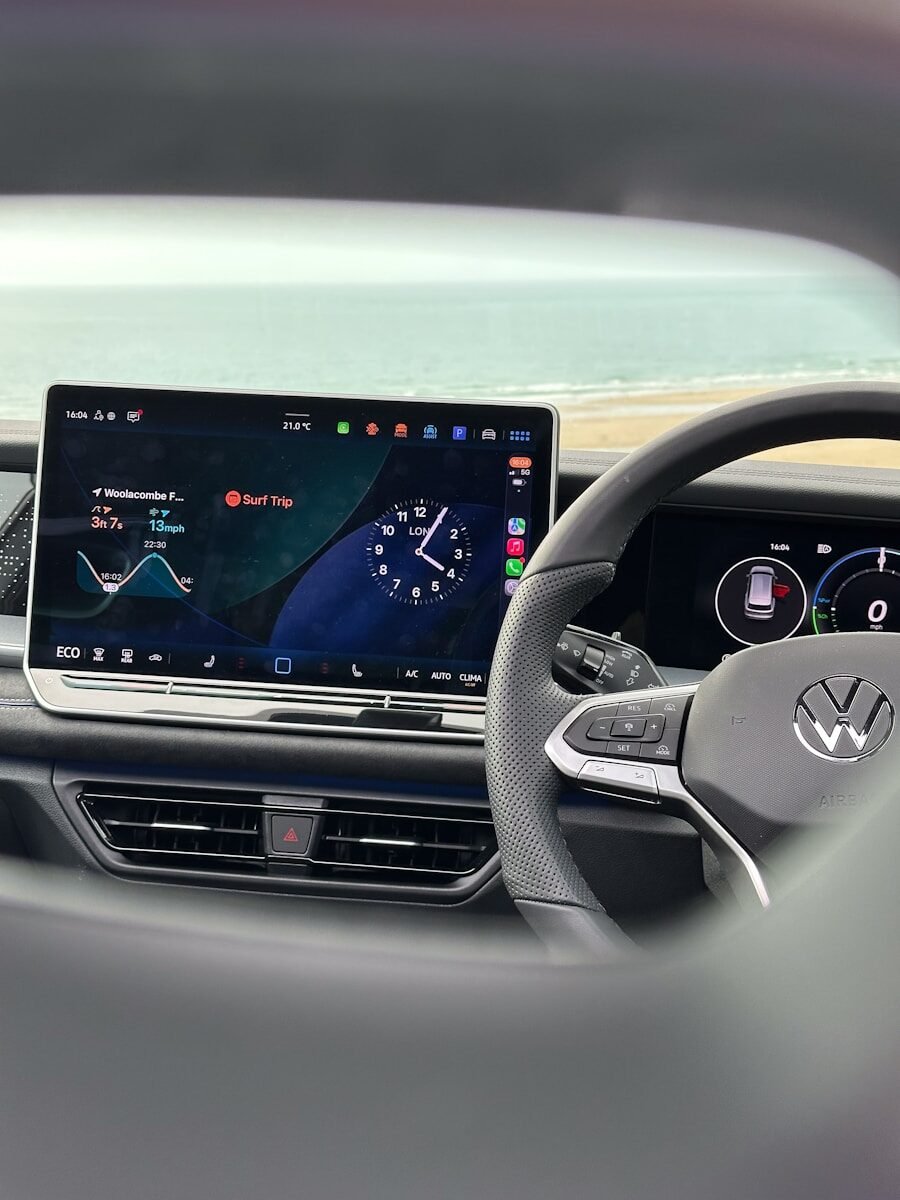
Apple CarPlay has transformed the way drivers interact with their vehicles, bringing hands-free access to calls, messages, navigation, and media. While many cars rely on wired CarPlay, the convenience of wireless Apple CarPlay makes it a worthwhile upgrade for many drivers. In this article, we’ll explore what wireless CarPlay is, its benefits, who truly needs it, and how you can upgrade your car with the best wireless solutions available.
What Is Wireless CarPlay?
Wireless Apple CarPlay allows your iPhone to connect to your car’s infotainment system without the need for a USB cable. Utilizing Bluetooth and Wi-Fi, it provides the same functionality as wired CarPlay, including:
- Navigation through Apple Maps or other GPS apps
- Hands-free calls and messaging
- Music and media streaming
- Siri voice control
Benefits of Wireless CarPlay
- Convenience: No cables to plug in every time you enter your car.
- Cleaner Dashboard: A cable-free interior looks neater and more modern.
- Better Driving Experience: Connects automatically when you start driving.
- Works With Older Cars: Aftermarket devices can add wireless CarPlay to vehicles that don’t support it natively.
Who Actually Needs Wireless CarPlay?
Wireless CarPlay is perfect for:
- Drivers who use CarPlay often
- Owners who dislike cables cluttering their dashboard
- Those who want a more seamless phone-to-car experience
- People who want modern connectivity without replacing the factory stereo
Upgrading Your Car With Wireless CarPlay
Wireless CarPlay Adapters (Plug & Play)

Carlinkit 4.0 Wireless CarPlay & Android Auto Adapter
This adapter lets you convert your wired CarPlay or Android Auto system into a wireless connection. Plug it into your car’s USB port and pair your phone – simple and effective.
- Converts wired to wireless CarPlay
- Supports Android Auto
- Plug-and-play installation
- Compact design
- Only works if the car has wired CarPlay
- Slight delay in some models

Carlinkit 5.0 2air Wireless CarPlay Adapter
The newer-generation adapter with faster connection and improved stability. Supports both Apple CarPlay and Android Auto wireless connections for a smoother experience.
- Fast and stable wireless connection
- Supports both CarPlay and Android Auto
- OTA firmware update support
- Automatic reconnection
- Requires wired CarPlay in your vehicle
- Older car models may need firmware updates
Wireless CarPlay Displays & AI Boxes
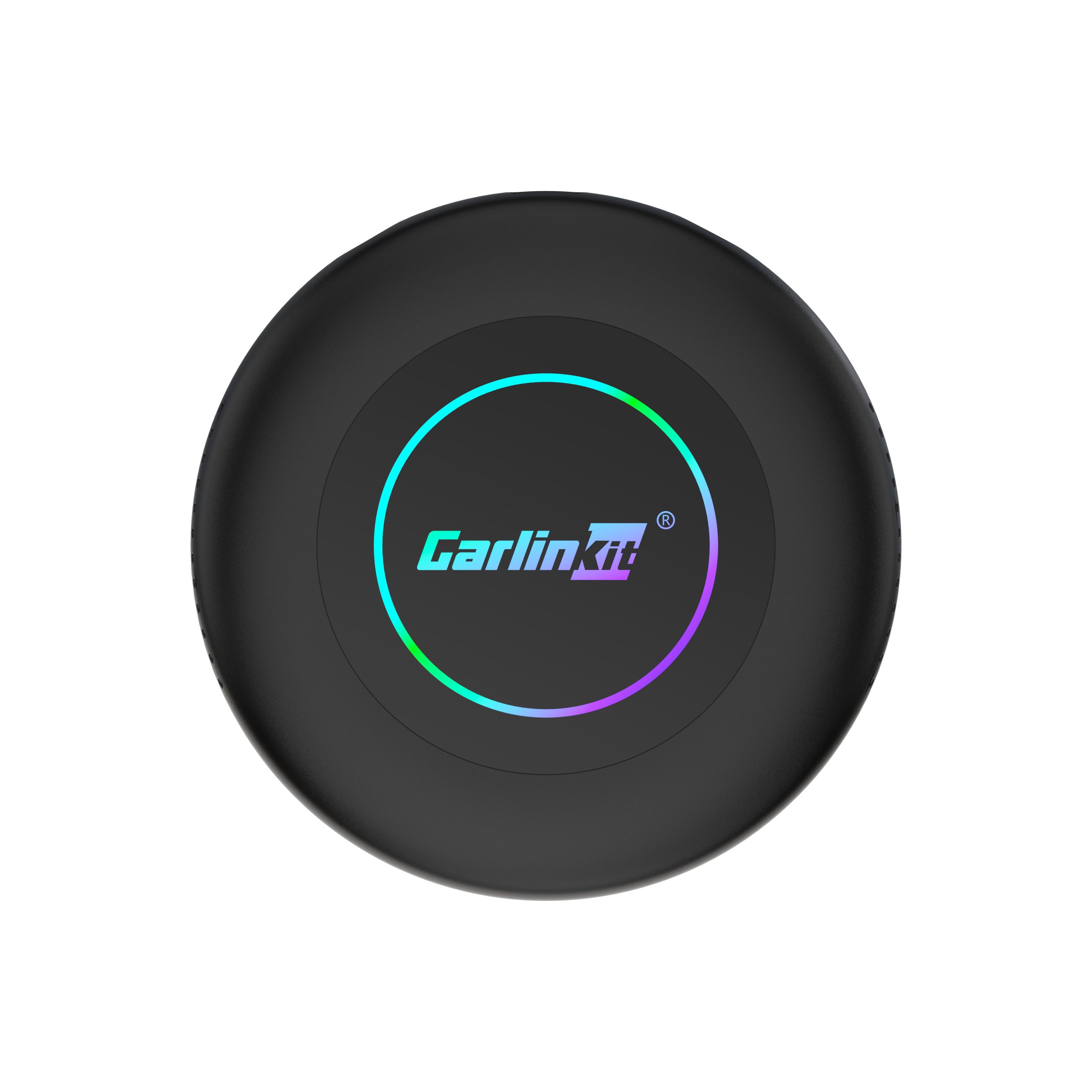
Carlinkit Tbox Ultra 2 (Android 15 + Qualcomm 6350)
This premium AI Box runs Android 15 and delivers seamless wireless CarPlay and Android Auto experiences. It also supports app installs and advanced features beyond Apple CarPlay.
- Android 15 system onboard
- Supports CarPlay and Android Auto
- Advanced app support
- High performance Qualcomm chip
- Larger unit than simple adapters
- More expensive
Carlinkit Tbox Ultra Android 15.0 System
A powerful in‑car Android 15 system that adds wireless CarPlay, plus app installs, streaming support, and enhanced multimedia features. Perfect for drivers who want full smart system capabilities.
- Full Android 15 OS
- Wireless CarPlay and Android Auto
- Supports app downloads
- Large display experience
- Requires more space in dashboard
- Cost higher than basic adapters
Comparison: Wireless CarPlay Options
| Solution | Type | Installation | Features | Best For |
|---|---|---|---|---|
| Carlinkit 4.0 | Adapter | Simple USB Plug | Wireless CarPlay + Android Auto | Cars with wired CarPlay |
| Carlinkit 5.0 | Adapter | Simple USB Plug | Fast & Stable Wireless | Daily drivers wanting wireless convenience |
| Carlinkit Tbox Ultra 2 | AI Box | USB + HDMI | Android OS + Apps + CarPlay | Smart infotainment upgrade |
| Carlinkit Tbox Ultra Android 15 | AI System | Dashboard installation | Full Android infotainment | Highest‑end upgrade |
| Wireless Apple CarPlay Dashboard Console | Display + CarPlay | Mount install | Wireless CarPlay + Camera | No CarPlay vehicles |
FAQ About Wireless CarPlay
Does wireless CarPlay drain my phone battery?
Wireless CarPlay uses Wi-Fi and Bluetooth and can consume a bit more battery than wired connections. Using a charger while driving eliminates this issue.
Is wireless CarPlay slower than wired?
With modern adapters, the performance is nearly identical. Slight delays may occur depending on vehicle and signal interference.
Can older cars support wireless CarPlay?
Yes—adapters, AI boxes, and portable solutions can add wireless CarPlay to vehicles that don’t have factory support.
Is installation difficult?
Plug‑and‑play adapters are simple. AI boxes may require more setup, while full dashboard installs could need professional assistance.
Conclusion
Wireless CarPlay provides enhanced convenience, cleaner dashboards, and better overall driving experience. Whether you want a simple USB adapter, a smart Android AI box, or a full wireless CarPlay system, there’s a solution for every driver’s needs.