
How to Install Wireless CarPlay Without Replacing Your Stereo
Wireless Apple CarPlay is rapidly becoming the preferred way to use your iPhone in the car. It provides hands-free navigation, streaming, and messaging while keeping you safe on the road. However, most factory-installed stereos still require a USB connection. Replacing your stereo can be expensive, and may interfere with your vehicle’s original interface. Luckily, wireless CarPlay adapters allow you to upgrade without replacing your stereo. These plug-and-play devices connect directly to your existing CarPlay USB port, instantly turning your wired system into a wireless experience.
Why You Should Upgrade to Wireless CarPlay
- Automatic connection: Your iPhone connects automatically when you start your car.
- Hands-free convenience: Use Siri to send messages, make calls, or navigate.
- Preserves your factory stereo: No complicated installation or dashboard modifications.
- Supports Android Auto: Many adapters support both Apple and Android users.
- Safe and distraction-free: No cables cluttering your dash or distractions while driving.
Top Wireless CarPlay Adapters
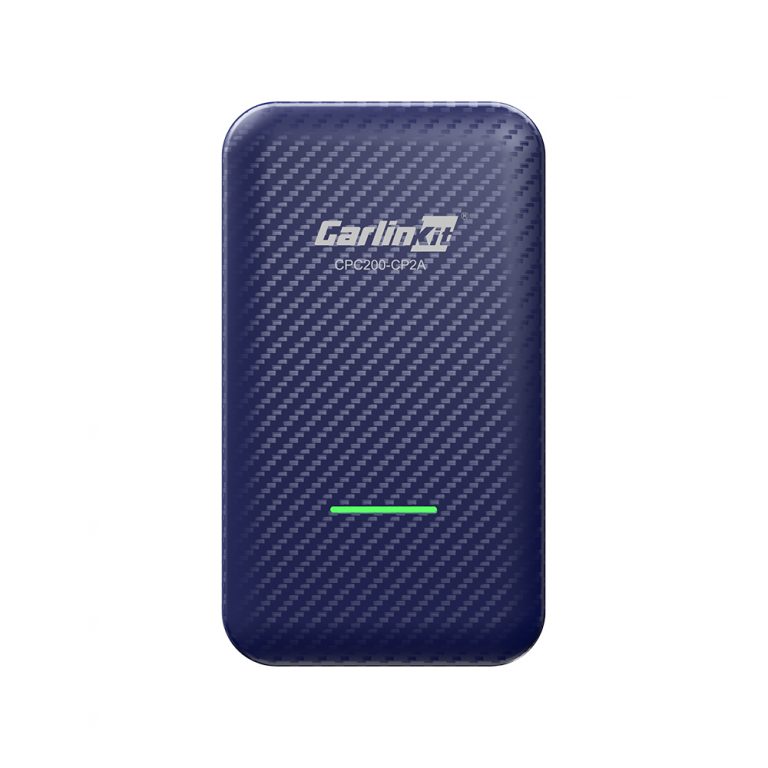
Carlinkit 4.0 Wireless CarPlay Adapter
- Converts wired CarPlay to wireless instantly
- Supports Android Auto for dual compatibility
- Stable and fast wireless connection
- Simple plug-and-play installation, no technical skills required
- Compact design, fits in small dashboards
- Works only with factory CarPlay stereos
- Requires iPhone models supporting CarPlay
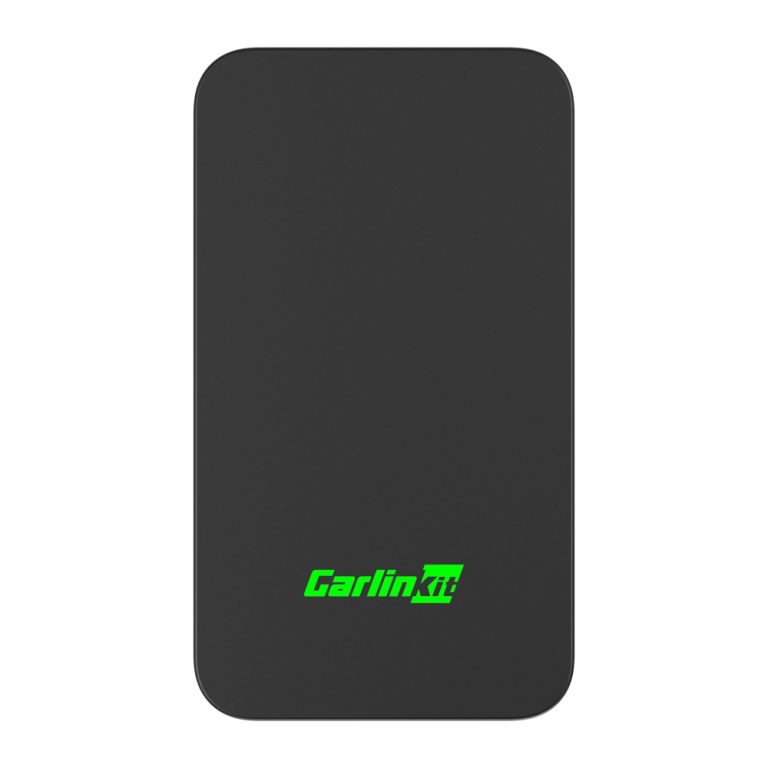
Carlinkit 5.0 Wireless CarPlay Adapter
- Improved connectivity and faster response times
- Supports iPhone and Android Auto simultaneously
- Plug-and-play setup
- Wide compatibility across more vehicle models
- Firmware updates improve performance over time
- Higher price than 4.0 version
- Requires USB CarPlay port in the vehicle
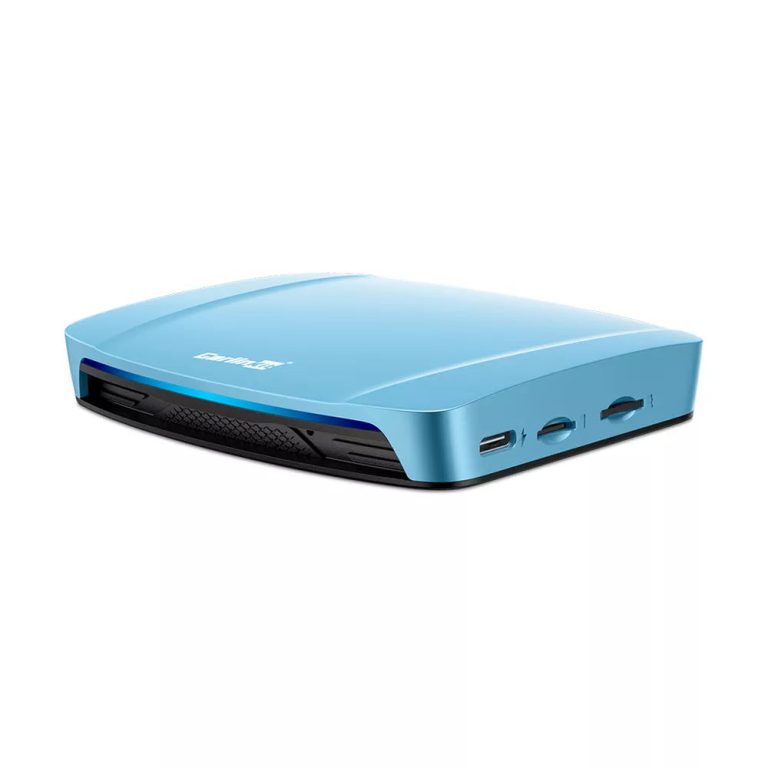
Carlinkit Tbox Ultra 4.0 Android 15.0 System
- Converts wired CarPlay to wireless and supports Android Auto
- Runs Android 15.0 for full app functionality
- Supports split-screen, navigation, and streaming media
- Plug-and-play, requires no stereo replacement
- Compact design fits most dashboards
- May require minor settings adjustments for first-time setup
- Requires a compatible factory CarPlay stereo
Step-by-Step Installation Guide
- Verify your car’s stereo is compatible with Apple CarPlay.
- Plug the adapter into the CarPlay USB port.
- Pair your iPhone via Bluetooth and Wi-Fi (follow on-screen instructions).
- Test wireless connectivity by launching CarPlay.
- Adjust app and display settings as needed.
Troubleshooting Wireless CarPlay
Even with the best adapters, some users may encounter issues. Here’s how to fix common problems:
- Adapter not connecting: Ensure your iPhone has the latest iOS update. Turn off and on Bluetooth/Wi-Fi and restart your car.
- Interference with other devices: Keep other wireless devices away and avoid crowded parking lots with strong signals.
- USB port issues: Use a different port if available or clean the contacts with a dry cloth.
- Resetting adapter: Power cycle or perform factory reset as instructed in the manual.
- Audio delay: Check the stereo settings; use firmware updates if supported by your adapter.
Comparison Table of Top Wireless CarPlay Adapters
| Adapter | Wireless CarPlay | Android Auto | OS | Compatibility | Price |
|---|---|---|---|---|---|
| Carlinkit 4.0 | Yes | Yes | N/A | Most factory CarPlay stereos | $99 |
| Carlinkit 5.0 | Yes | Yes | N/A | Enhanced vehicle compatibility | $129 |
| Carlinkit Tbox Ultra 4.0 | Yes | Yes | Android 15.0 | Most factory CarPlay stereos | $329 |
FAQ
Do I need technical skills to install wireless CarPlay? No, all Carlinkit adapters are plug-and-play and easy to set up.
Will it work with all iPhone models? Compatible with iPhone 5 and newer models that support Apple CarPlay.
Does it affect my car’s warranty? No, these adapters are non-invasive and don’t modify your stereo or wiring.
Can I use Android Auto wirelessly? Yes, these adapters support Android Auto on compatible phones.
What if my car doesn’t have CarPlay? A factory CarPlay stereo is required for these adapters to work.
Conclusion
Wireless CarPlay adapters like Carlinkit 4.0, 5.0, and Tbox Ultra 4.0 make it possible to enjoy hands-free, wireless connectivity without replacing your stereo. They provide seamless integration, support Android Auto, and allow you to stream apps, navigate, and control music effortlessly. With plug-and-play installation, wide compatibility, and advanced features, these adapters are the easiest way to upgrade your car’s infotainment system for a modern, safe driving experience.