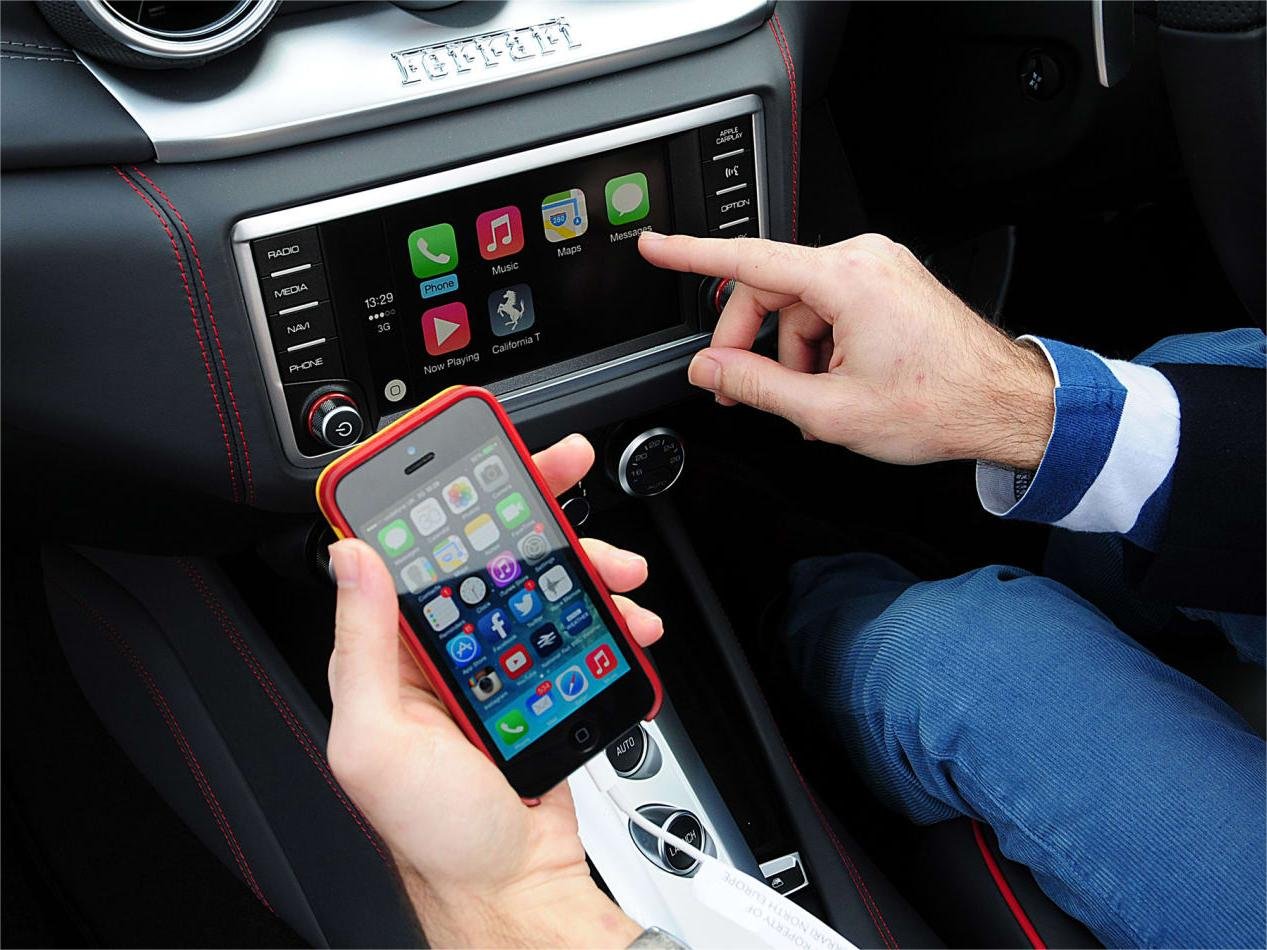
SoundCloud is a popular music streaming platform that offers millions of songs to its users. The platform has recently integrated with Apple CarPlay, which is a smart, safe way to enjoy music while driving. This integration allows users to access their SoundCloud library, playlists, and recently played tracks directly from their car’s dashboard.
One of the key features of SoundCloud on Apple CarPlay is the ability to access your SoundCloud library without having to take your eyes off the road. This is particularly useful for drivers who want to listen to their favorite tracks while driving. In addition, the integration also allows users to access their recently played tracks and playlists, making it easier to find the music they want to listen to.
Key Takeaways
- SoundCloud has integrated with Apple CarPlay, allowing users to access their SoundCloud library, playlists, and recently played tracks directly from their car’s dashboard.
- One of the key features of SoundCloud on Apple CarPlay is the ability to access your SoundCloud library without taking your eyes off the road.
- The integration also allows users to access their recently played tracks and playlists, making it easier to find the music they want to listen to while driving.
Features Of SoundCloud On Apple CarPlay
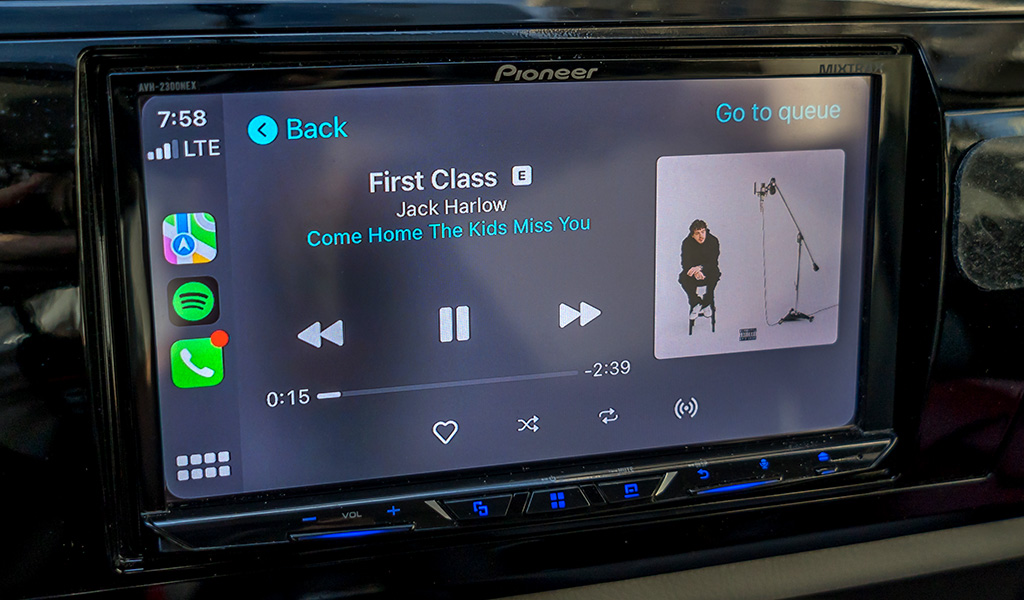
SoundCloud on Apple CarPlay offers a seamless music streaming experience while driving, allowing users to access their favorite music and playlists easily. Here are some of the features of SoundCloud on Apple CarPlay:
Easy Access To Favorite Music And Playlists
With SoundCloud on Apple CarPlay, users can quickly access their music library, playlists, albums, and likes directly from the car’s dashboard. The recently played feature allows users to easily navigate back to their favorite music.
Seamless Integration With Apple CarPlay Interface
SoundCloud on Apple CarPlay provides a seamless integration with the CarPlay interface, making it easy for users to control playback, skip tracks, and adjust volume without taking their eyes off the road. The interface is intuitive and user-friendly, ensuring that the user can focus on driving while enjoying their favorite tunes.
Hands-Free Control For A Safer Driving Experience
SoundCloud on Apple CarPlay offers hands-free control, allowing users to use voice commands to play, pause, skip tracks, and search for music. This feature ensures that the user can keep their hands on the wheel and eyes on the road, making for a safer driving experience.
Offline Listening Capabilities For Convenience
SoundCloud on Apple CarPlay also offers offline listening capabilities, allowing users to download their favorite tracks and playlists for offline playback. This feature ensures that users can enjoy their favorite music even when there is no internet connection.
Overall, SoundCloud on Apple CarPlay offers a safe and convenient way to enjoy music while driving. With its easy access to favorite music and playlists, seamless integration with the CarPlay interface, hands-free control, and offline listening capabilities, users can enjoy their favorite tunes without compromising their safety on the road.
How To Use SoundCloud On Apple CarPlay
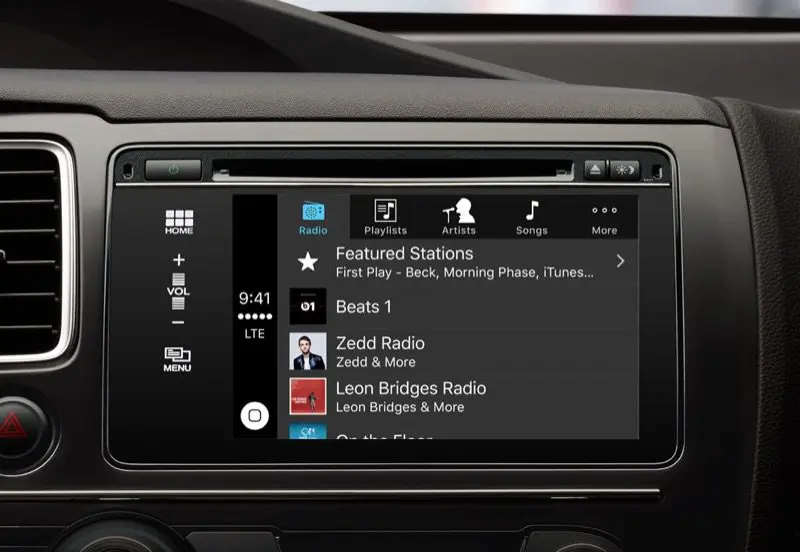
Apple CarPlay is a smart and safe way to enjoy music while on the road. With SoundCloud, you can listen to your favorite tracks and playlists right from your car’s dashboard. In this section, we will guide you through the steps to set up and use SoundCloud on Apple CarPlay.
Step-By-Step Guide On How To Set Up SoundCloud On Apple CarPlay
Before you start, make sure your iPhone is compatible with Apple CarPlay. You can check the list of compatible cars and car stereos on Apple’s website. Once you have confirmed compatibility, follow these steps to set up SoundCloud on Apple CarPlay:
- Connect your iPhone to your car’s USB port using a USB cable.
- Turn on your car and select the CarPlay app on your car’s touchscreen.
- On your iPhone, go to Settings > General > CarPlay.
- Select your car from the list of available devices.
- Drag the SoundCloud app from your iPhone’s home screen to the CarPlay screen.
- Customize the app layout on the CarPlay screen to your liking.
Instructions On Navigating Through The App While Driving
Once you have set up SoundCloud on Apple CarPlay, you can use it to listen to your favorite tracks and playlists while driving. Here are some instructions on how to navigate through the app while driving:
- Use Siri to control the app hands-free. Simply say “Hey Siri, play my SoundCloud playlist” or “Hey Siri, skip this track”.
- Use the touchscreen to navigate through the app. You can access your Recently Played, Library, Uploads, and Surprise Me feature with just a tap.
- Use the built-in controls on your car’s dashboard to adjust the volume, skip tracks, or pause playback.
Tips For Optimizing The SoundCloud Experience On Apple CarPlay
To optimize your SoundCloud experience on Apple CarPlay, here are some tips to keep in mind:
- Make sure you have a stable internet connection. SoundCloud requires an internet connection to stream music.
- Download your favorite tracks and playlists for offline listening. This will help you avoid buffering issues and save data.
- Use the SharePlay feature to share your music with your passengers. This feature allows multiple users to listen to the same track at the same time.
- Turn on Siri Suggestions to get turn-by-turn directions to your favorite tracks and playlists.
- Use the SoundCloud app on your iPhone to customize your profile, follow other users, and discover new music.
In conclusion, using SoundCloud on Apple CarPlay is a convenient and safe way to enjoy your favorite tracks and playlists while on the road. By following the steps and tips outlined in this section, you can optimize your SoundCloud experience and enjoy your music to the fullest.
Benefits Of Using SoundCloud On Apple CarPlay
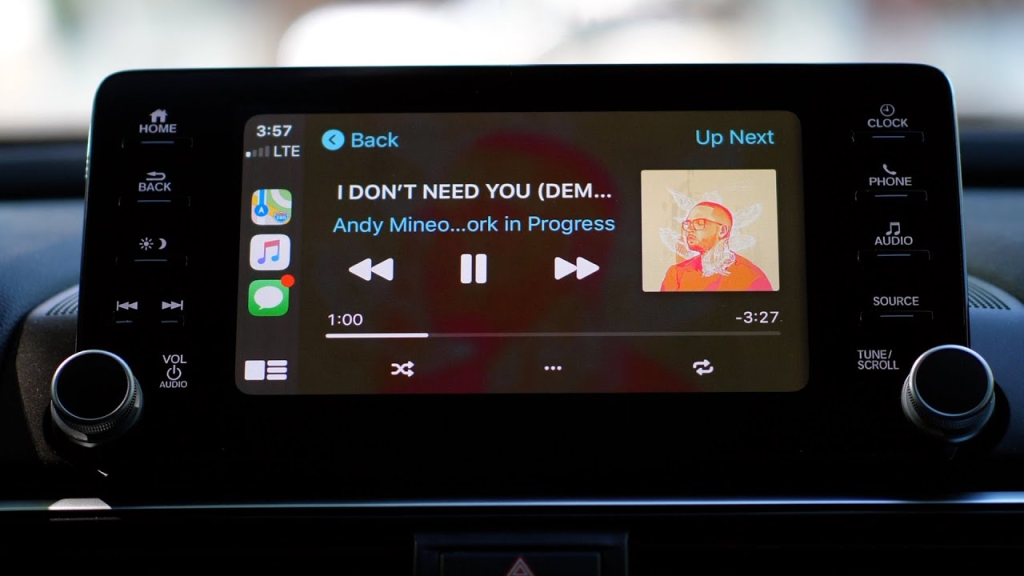
Enjoying Personalized Music While On The Go
One of the biggest benefits of using SoundCloud on Apple CarPlay is having access to personalized music while on the go. With SoundCloud’s integration with Apple CarPlay, users can easily access their recently played tracks, library, and uploads, and even use the Surprise Me feature to discover new music. This makes it easy for users to enjoy their favorite tracks and playlists while driving, without having to fumble with their phone.
Enhancing The Driving Experience With A Wide Selection Of Tracks
SoundCloud’s integration with Apple CarPlay also enhances the driving experience by providing a wide selection of tracks to choose from. With over 200 million tracks available on SoundCloud, users can easily find the perfect soundtrack for their drive. This is especially useful for long drives or road trips, where users may want to switch up their music selection.
Staying Connected To The Latest Music Trends And Releases
Another benefit of using SoundCloud on Apple CarPlay is staying connected to the latest music trends and releases. SoundCloud is a popular platform for up-and-coming artists to promote their music, so users can discover new and emerging artists before they hit the mainstream. This is especially useful for music enthusiasts who want to stay up-to-date with the latest music trends and releases.
Making The Most Of Apple CarPlay’s Features With SoundCloud Integration
SoundCloud’s integration with Apple CarPlay also allows users to make the most of Apple CarPlay’s features. Users can easily control their music using Siri or the CarPlay touch screen, and even use Apple Maps to navigate to concerts or events of their favorite artists. Additionally, SoundCloud Go+ subscribers can enjoy ad-free listening, making for a seamless and uninterrupted listening experience.
Overall, SoundCloud’s integration with Apple CarPlay provides a safe and convenient way to enjoy music while on the go. While other music streaming services like Apple Music, Spotify, Pandora, YouTube Music, and Tidal also offer similar features, SoundCloud’s unique selection of emerging artists and personalized playlists make it a great choice for music enthusiasts.
Conclusion
SoundCloud’s integration with Apple CarPlay offers a convenient and safe way for drivers to enjoy their favorite music while on the road. With the ability to access their Recently Played, Library, and Uploads, as well as the Surprise Me feature, SoundCloud subscribers can easily listen to their favorite tracks without fumbling with their phones.
However, it’s important to note that this feature is only available to paid subscribers of SoundCloud’s subscription service. While this may be a disappointment for some users, it’s understandable that SoundCloud would want to offer exclusive features to its paying customers.
Overall, the integration of SoundCloud with Apple CarPlay is a welcome addition to the platform’s features. It allows for a seamless and safe listening experience for drivers, and is sure to be a hit among music lovers who spend a lot of time on the road.
Frequently Asked Questions
How can I play SoundCloud on Apple CarPlay?
To play SoundCloud on Apple CarPlay, you need to have a compatible car or car stereo and an iPhone with the latest version of the SoundCloud app. Once you have connected your iPhone to your car using CarPlay, you can access SoundCloud directly from the CarPlay interface. However, due to compatibility issues, you cannot directly select and navigate through your SoundCloud songs and playlists using the CarPlay touch screen. Instead, you can manually open the SoundCloud app on your phone and select your desired songs or playlists.
Is SoundCloud compatible with iOS 17 for CarPlay?
As of August 2024, there is no iOS 17 release yet. However, SoundCloud is compatible with the latest version of iOS and CarPlay. It is recommended to keep your iPhone and SoundCloud app updated to the latest versions to ensure compatibility and optimal performance.
What are the steps to download SoundCloud for use with Apple CarPlay?
To download SoundCloud for use with Apple CarPlay, you need to have an iPhone and access to the App Store. Simply search for “SoundCloud” in the App Store and download the app. Once you have downloaded the app, connect your iPhone to your car using CarPlay, and you can start using SoundCloud on your car’s display.
Can SoundCloud be used with CarPlay on an Android device?
No, SoundCloud is not compatible with CarPlay on Android devices. CarPlay is an exclusive feature for Apple devices, and it only works with iPhones running the latest version of iOS.
Do I need a SoundCloud Go subscription to access full CarPlay features?
Yes, currently, CarPlay is only available to SoundCloud Go and Go+ subscribers. If you want to enjoy the full features of SoundCloud on CarPlay, you need to have an active subscription to either SoundCloud Go or Go+. These subscription tiers give you access to ad-free listening, offline playback, and higher-quality audio streaming.
Are there any differences between SoundCloud on CarPlay and SoundCloud on Android Auto?
Yes, there are some differences between SoundCloud on CarPlay and SoundCloud on Android Auto. While both platforms let you access SoundCloud on your car’s display, the user interface and feature set may differ slightly. Additionally, CarPlay is only available for iPhones, while Android Auto is only available for Android devices.